







制作
历史
AI 平面图生成器
更改工具
模型
基础版
切换
房间
卧室
-
2
+
浴室
-
1
+
厨房
开放式
封闭式
总面积
单位 公制
公制 英制
英制
公制 英制面积
< 50㎡
50-80㎡
80-100㎡
100-120㎡
120-150㎡
> 150㎡
附加设施
步入式衣帽间
洗衣房
储藏室
杂物间
家庭办公室
车库
食品储藏室
客餐厅一体
阳台

Design Your Dream Space with Ideal House's AI Floor Plan Generator
Unleash your creativity and visualize perfect layouts instantly. Whether you're a homeowner, designer, or in real estate, our AI Floor Plan Generator simplifies the complex process of floor plan design, delivering precise 2D floor plans in seconds. Forget tedious manual drafting; embrace the future of property layout design.
Generate My Floor Plan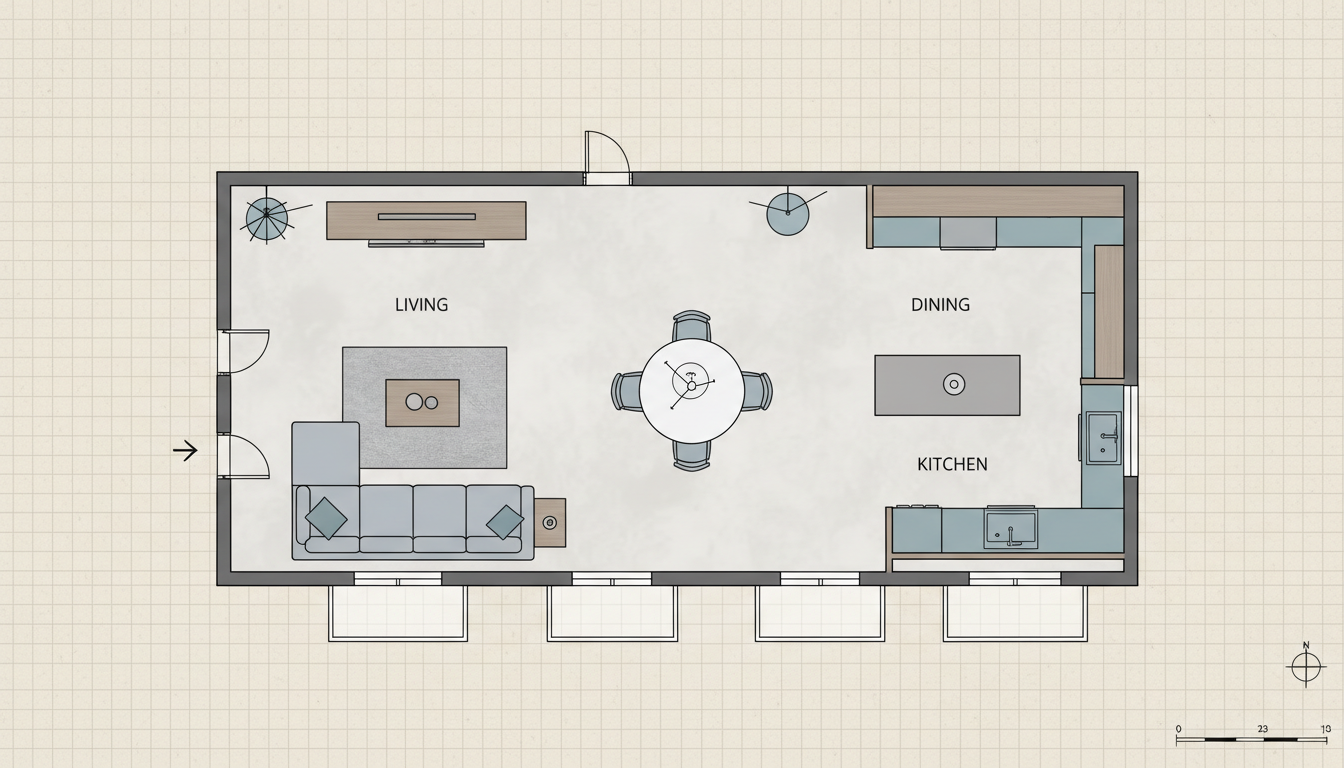


Experience the Ideal House Advantage: AI Floor Plan Generation at Your Fingertips

Instant 2D Floor Plans from Simple Inputs
Our AI Floor Plan Generator transforms your basic requirements into detailed 2D floor plans in moments. Just define your desired number of bedrooms and bathrooms, kitchen style, and gross area, and watch as Ideal House creates professional, presentation-ready layouts. It's the ultimate online floor planner for speed and efficiency.
Tailor Every Detail with Smart Customization
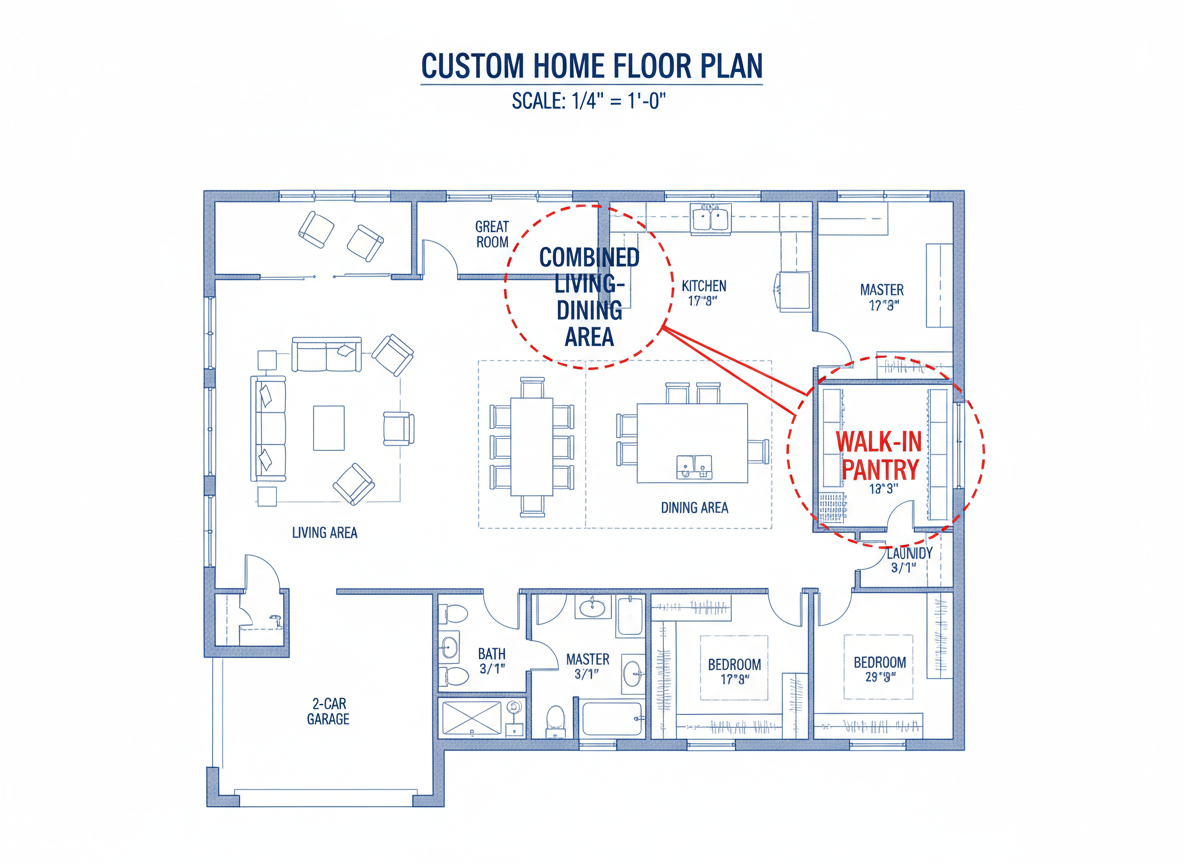
Beyond basic rooms, our restaurant blueprint maker allows you to add specific features like a walk-in closet, laundry room, home office, or balcony. These 'extras' intelligently shape your dwelling blueprint, ensuring the generated floor plan design meets your exact needs, making it a truly custom floor plans solution.
Visualize and Iterate with Ease
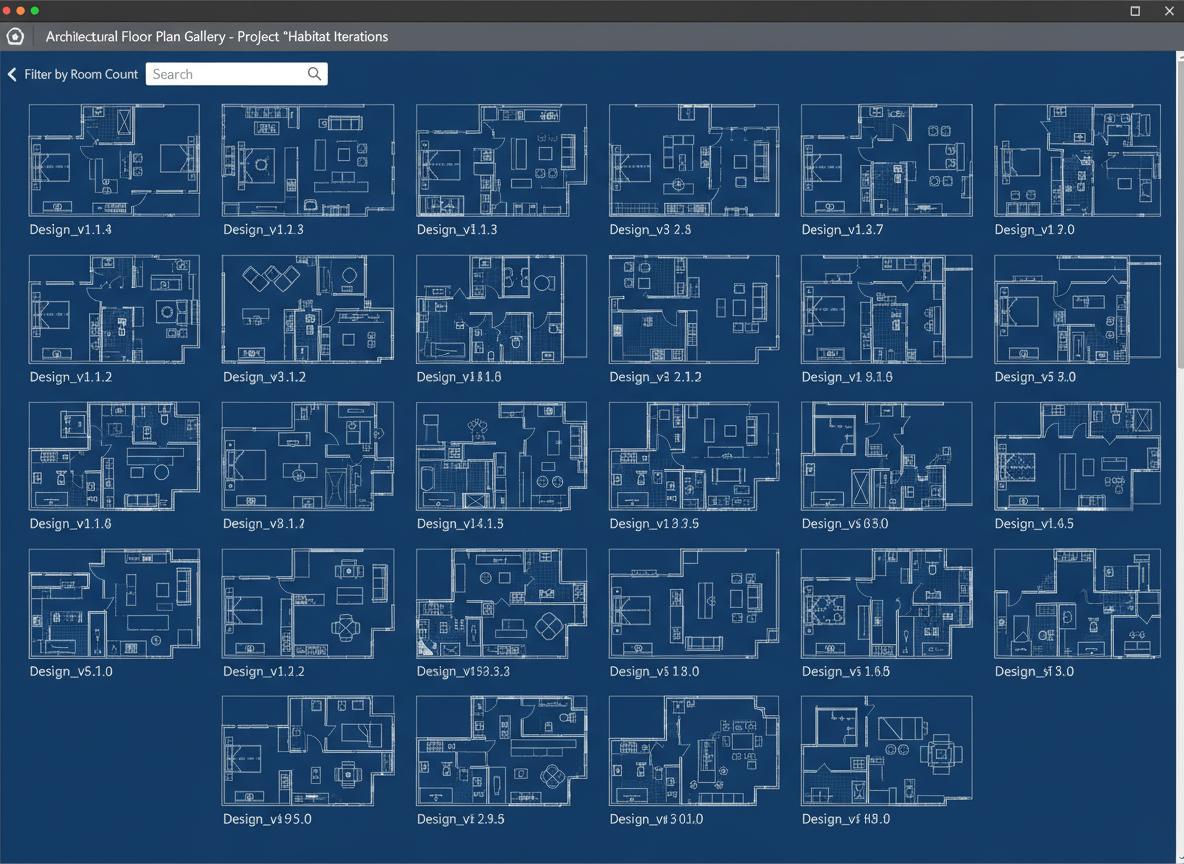
Every floor plan generated is saved in your history, allowing you to easily compare different versions. Filter through your concepts, tweak parameters, and regenerate until you find the perfect residential floor plans. This house plan maker empowers quick iterations for optimal results.
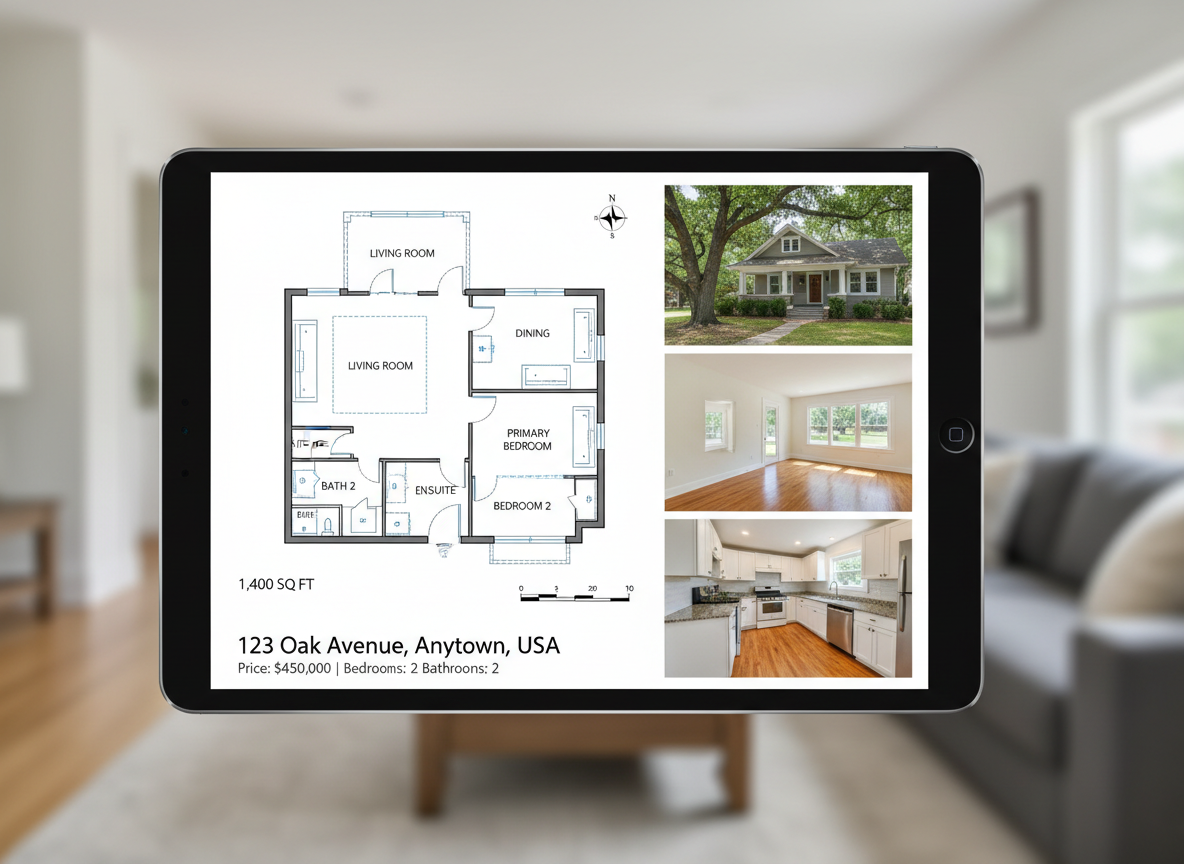
Boost Your Listings with Professional Layouts
For real estate professionals, our AI Floor Plan Generator is an invaluable property layout designer. Create clear, concise real estate floor plans that help potential buyers instantly understand the layout and flow of a property. Enhance your listings and attract more interest with high-quality, consistent 2D floor plans.

Who Benefits from Our AI Floor Plan Generator?

Homeowners & DIY Enthusiasts: Easily visualize home renovations or new construction ideas with our house blueprint creator.

Interior Designers & Decorators: Quickly generate apartment layout tool concepts for clients, saving valuable time in floor plan design.

Real Estate Professionals: Create compelling real estate floor plans for listings, helping buyers envision their future home.

How to Create Your Perfect Floor Plan in 5 Simple Steps
1
Set Rooms: Define the number of bedrooms (0-4) and bathrooms (1-3) to begin sketching your ideal layout.
2
Choose Kitchen Style: Select 'open' or 'closed' kitchen to influence the flow and separation of your living spaces.
3
Pick Gross Area: Select a size range to guide the overall scale, ensuring a proportionate and realistic restaurant blueprint maker experience.
4
Add Extras: Multi-select features like a walk-in closet, laundry room, or home office to shape your custom floor plans.
5
Generate & Review: Click 'Generate' to instantly see your 2D floor plan, then review and refine in your Generation History.
Frequently Asked Questions About the AI Floor Plan Generator
How does the AI Floor Plan Generator create a plan from my selections?
Our advanced AI floor plan generator interprets your inputs (beds, baths, kitchen type, area, extras) and applies smart design principles to create a logical and functional 2D floor plan, similar to architectural drawing software. Each click provides a fresh concept, perfect for evolving your floor plan design.
What are the available ranges for rooms and features?
You can select 0-4 bedrooms (default 2), 1-3 bathrooms (default 1), and toggle between open or closed kitchens (default open). Choose from various gross area bands and multi-select an array of extras to customize your property layout designer experience.
How does 'Gross Area' affect the floor plan?
The selected 'Gross Area' range guides the overall footprint of your dwelling blueprint. It ensures rooms and corridors are appropriately scaled for your target size, leading to more believable and functional residential floor plans.
Can I compare multiple generated floor plans?
Absolutely! Every floor plan generated is automatically saved in your 'Generation History'. You can easily use filters and views to compare different versions side-by-side, helping you make informed decisions for your home layout tool.
Is this tool suitable for commercial projects like a restaurant blueprint maker?
While primarily focused on residential and apartment layout tool designs, the flexibility to define areas and room types makes it a versatile tool for early-stage conceptualization of various layouts, including preliminary restaurant blueprint maker concepts, before diving into specialized architectural drawing software.
Enhance Your Design Workflow with Ideal House Tools
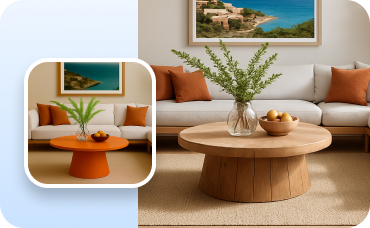
Change Furniture
Experiment with different low profile furniture arrangements to perfect your minimalist Korean interior.
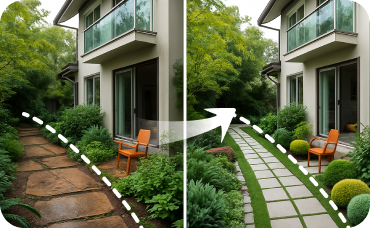
Landscaping
Visualize new garden beds, pathways, and plants to enhance your home's curb appeal.
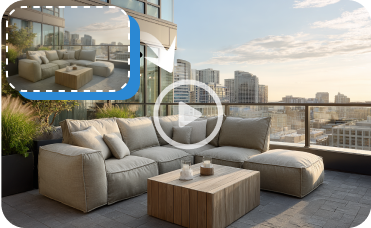
Image to Video
Turn your static design renderings into dynamic video tours for engaging social media content.
Ready to Transform Your Design Ideas?
Experience the power of our AI Floor Plan Generator and create professional 2D floor plans with unprecedented speed and accuracy. Your ideal space is just a few clicks away.
Generate My Floor Plan
💰 作为Ideal House合作伙伴赚取10%佣金。
加入我们